Adding Windows Server 2025 Connection Servers to an existing Omnissa Horizon Environment
So you want to move your Omnissa Horizon Connection Servers to Windows Server 2025. The logical approach seems simple: Build new Windows Server 2025 VMs, Install Horizon Connection Server, Add them
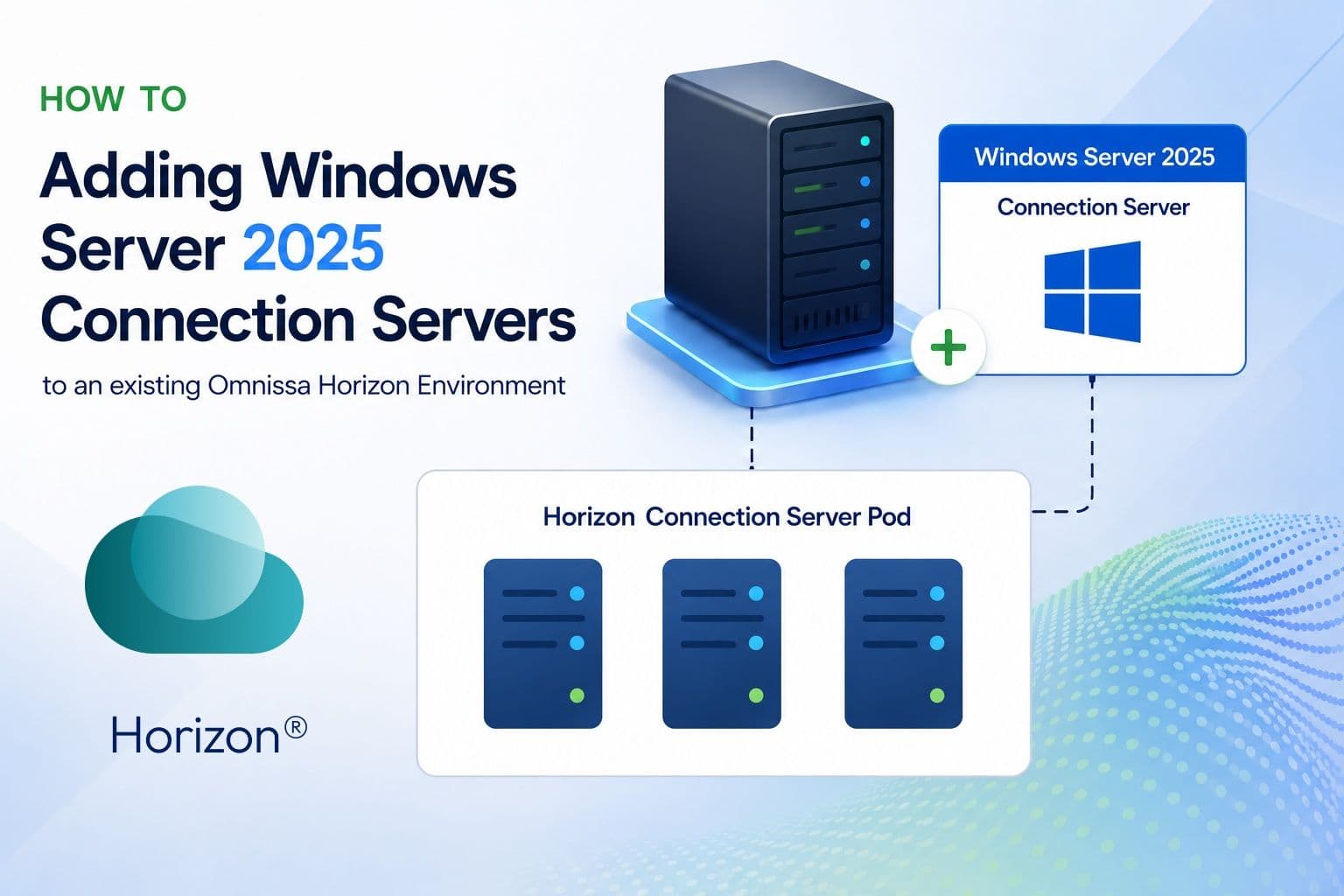
So you want to move your Omnissa Horizon Connection Servers to Windows Server 2025.
The logical approach seems simple:
- Build new Windows Server 2025 VMs
- Install Horizon Connection Server
- Add them as replicas
- Remove the old servers
Except there is one important detail that can ruin your entire plan:
You cannot just add a Windows Server 2025 Connection Server to an existing Horizon pod, if the existing connection servers are running Server 2022 or older.
Before you add the first Server 2025 Connection Server, your existing Horizon pod needs an AD LDS functional level upgrade.
This is the step people will miss because everything looks like a normal Horizon replica deployment. It is not.
Why is this required?
Horizon Connection Servers use AD LDS to store and replicate the Horizon configuration data between Connection Servers.
Older Horizon environments were created with an older AD LDS configuration level. Windows Server 2025 uses a newer AD LDS functional level and therefore cannot participate in replication with any older version.
So the migration order matters.
Not:
Install Server 2025 → Add replica → Troubleshoot errors
But:
Prepare AD LDS → Add Server 2025 replica → Validate → Remove old servers
Step 1: Check your Horizon environment
Before changing anything:
- Verify your Horizon version supports Windows Server 2025 Connection Servers (2503 or
- above, and that applies to all pods in your CPA, if applicable)
- Make sure your existing Connection Servers are healthy
- Check replication status
- Make backups
- Make sure your Windows servers are up to date (there have been LDAP replication issues introduced by certain windows updates, which were fixed by certain other updates...)
Do not start this process in an unhealthy pod.
A migration is not the moment to discover that one Connection Server has been silently broken for six months.
Step 2: Upgrade the Horizon AD LDS functional level
This is the important step.
Omnissa provides detailed steps and a script in https://kb.omnissa.com/s/article/6000960 that must be run before introducing Windows Server 2025 Connection Servers to your pod.
The script updates the AD LDS functional level of the Horizon pod so that Server 2025 Connection Servers can join the existing replication topology.
Run this first.
Not after the installation fails.
Not after the new server refuses to join.
Before.
Step 3: Build the Windows Server 2025 Connection Servers
Now you can deploy your new servers.
Prepare them as normal:
- Domain joined
- Correct DNS
- Windows updates installed
- Security baselines applied
- Required firewall rules available
Install the same Horizon version as your existing environment and choose the replica Connection Server installation option.
At this point the new server should be able to join the existing pod.
Step 4: Validate before moving users
Before adding the servers to the load balancer:
Check:
- Horizon Console shows the new Connection Server
- AD LDS replication is healthy
- Authentication works
- Horizon Client connections succeed
- Certificates are correct
- All other specific configuration done per connection server in your environment (tunnel settings, backup configuration, SAML authentication, locked.properties, timing profiler, etc)
A finished installer screen does not mean production readiness.
It only means the installer finished.
Step 5: Remove the old Connection Servers
Do not just delete the old VM.
A Horizon Connection Server is not only a Windows machine. It is part of the replicated Horizon configuration.
The cleanup process should be:
- Remove the old Connection Server from the load balancer
- Confirm users are no longer connecting through it
- Uninstall the Horizon Connection Server role
- Remove the old replica information from the Horizon pod
For more information about removing a Connection server from a pod correctly, please visit: https://kb.omnissa.com/s/article/1010153 and make sure you follow the steps correctly.
The lesson
The tricky part of moving to Windows Server 2025 is not installing Horizon.
The tricky part is understanding that the Connection Server is tied into the Horizon pod replication layer.
The migration is simple when you do it in the right order:
Upgrade AD LDS first.
Add Server 2025 second.
Remove old servers last.
Skip the first step and you are troubleshooting a problem you created before you even started.